Meta Commercial Terms: you own its AI ad edits
The new Meta Commercial Terms make advertisers solely responsible for AI edits in their ads. Here's what changed and how to switch off Meta's own changes.
 Mike Kovetskyi, Viewfy Founder5 min read
AI label.Generated with AI and published automatically. Images are AI-generated. Viewfy is responsible for this content. How AI content is marked

In short
Once the new Meta Commercial Terms take effect, advertisers are solely responsible for anything Meta's AI features create or change in their ads, and there is no blanket opt-out. Founders should run ads in an account they own, keep a record of what was approved, and turn off Advantage+ enhancements ad by ad. Viewfy's agents work that way.
Under the new Meta Commercial Terms, you carry the risk for anything Meta's AI adds to or changes in your ads, even edits you never asked for.
Viewfy's agents run ads in your own account, with every change on record.
So own the account. Then switch the edits off.
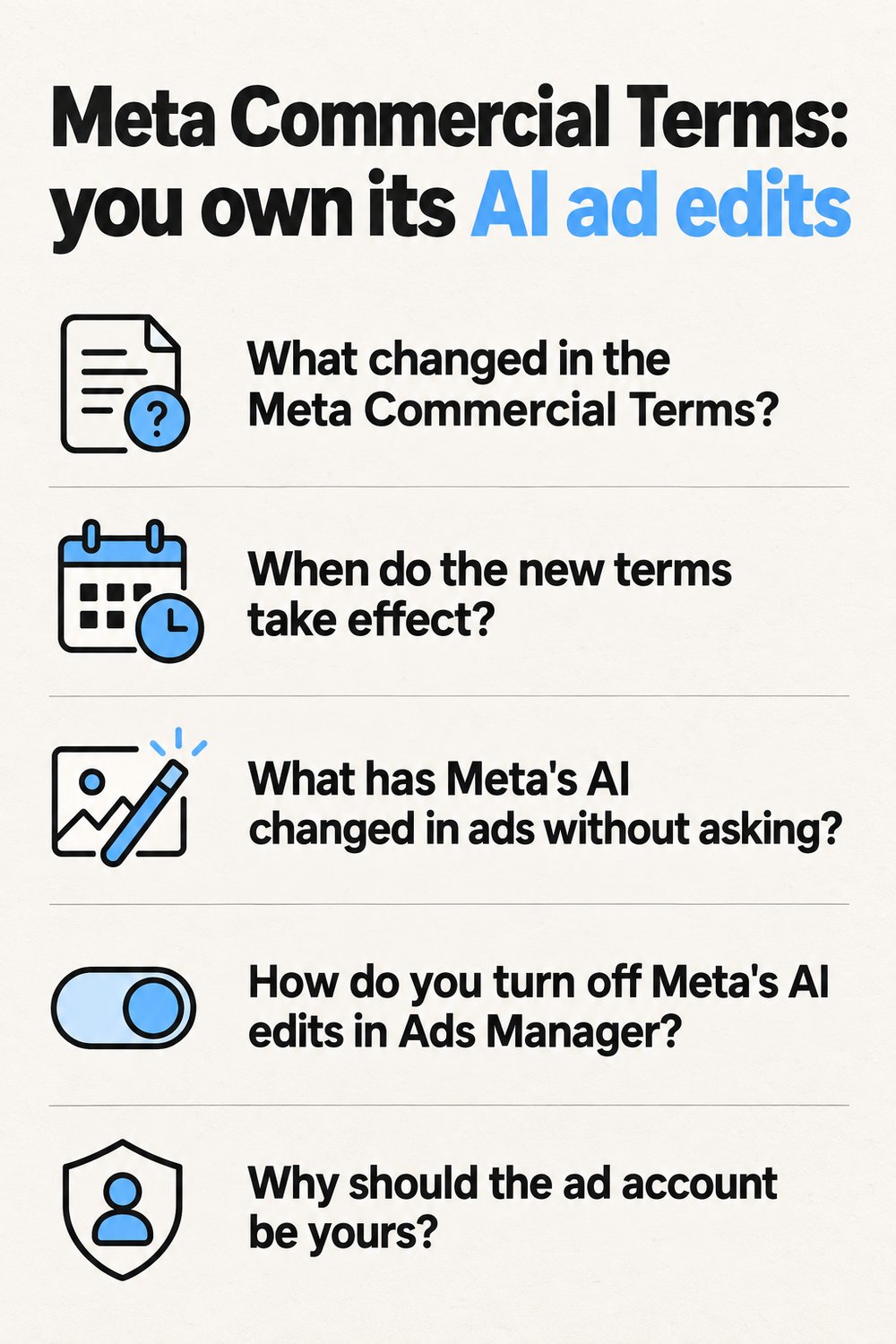
What changed in the Meta Commercial Terms?
Meta added an AI features section that makes the advertiser solely responsible for whatever Meta's AI creates or changes in an ad. The Meta Commercial Terms are a contract that governs how businesses use Meta's products. Meta's preview of the new terms says "You acknowledge and agree that AI features may make mistakes and may not always produce accurate, complete, or suitable results."
Another line goes further, saying "You are solely responsible for and assume any and all risks associated with such AI features and any resulting Content". Under the old wording, responsibility applied when advertisers "chose to use" the tools. Adweek points out that the new version drops that qualifier.
A Meta spokesperson called the update "housekeeping" that folds existing generative AI ad terms into the main terms. Maybe so. For a founder, the practical read is simpler. If Meta's AI changes your ad and gets it wrong, the terms put that on you.
 AI-generated image
When do the new terms take effect?
Sooner than Meta's own page suggests, by one report. Meta's notice puts the start at November 20, 2026. Adweek reported October 30, 2026 as the effective date. Plan for the earlier one.
There's no way to sit this out. PPC Land reports that continuing to use Meta after notice counts as acceptance. There's also no blanket opt-out from the AI features section, only individual Advantage+ features you turn off in Ads Manager.
| What | Detail | Source |
|---|---|---|
| Effective date on Meta's notice | November 20, 2026 | Meta |
| Effective date reported by Adweek | October 30, 2026 | Adweek |
| Who carries the risk of AI edits | The advertiser, "solely responsible" | Meta preview terms |
| How you accept | Continuing to use Meta after notice | PPC Land |
| Blanket opt-out from the AI section | None, features go off one by one | PPC Land |
| Crawling of your domains | Meta's automated software may crawl them | Meta preview terms |
What has Meta's AI changed in ads without asking?
Images, copy and links, in documented cases. Adweek reported advertisers pulling ads that Meta had edited unprompted. Bookshop.org found an AI-generated illustration added to a human-made ad after an account update opted the account into new features. The Exverus agency documented Meta adding sitelinks, translating copy, and building AI images and carousels from brand photos without authorization.
None of those advertisers asked for those edits. Under the new wording, they'd answer for them anyway.
How do you turn off Meta's AI edits in Ads Manager?
Ad by ad, in two places, and then again after every account update. Advantage+ creative enhancements are Meta AI features that adjust an ad after you build it, from sitelinks and translation to AI images, carousels, and background, brightness and contrast changes. Terrads quotes Meta's help center, which says "Some enhancements can only be turned off in Advanced preview, and won't be visible in the Ad creative."
- Open the ad and go to the Advantage+ creative section. Turn off each enhancement you didn't choose.
- Open Advanced preview and its Advantage+ creative tab. Turn off what's left there, since some enhancements only show up in this view.
- Use bulk edit only for ads that share a format. Mixed formats go one at a time.
- Don't rely on the account-level "Test new creative features" setting. Per Terrads, it doesn't disable enhancements that are already generally available.
- Recheck after any account update. Bookshop.org's unwanted illustration arrived when an update opted the account into new features.
- Save the approved creative, copy and enhancement settings for each ad. That's your record of what was meant to run.
Why should the ad account be yours?
Because the risk sits with the advertiser, and you can't manage a risk you can't see. Ads in an account someone else controls can change without you ever seeing it. In your own account you can open any ad, see which enhancements are on, and compare it with what you approved.
Some agencies run client ads from accounts the agency controls and report back in a monthly deck. Under these terms, that leaves you holding risk for work you only see in screenshots. Meta keeps pushing its own AI deeper into the work too, which we weighed in Meta's AI business assistant versus an ads agency.
What does the new section let Meta do with your website?
Send Meta's own bots to it. The preview authorizes Meta to use automated software, including scrapers, bots and crawlers, to "access, index, cache, analyze, collect, retrieve, or crawl the domains, web pages, or URLs" tied to your products or services. That's one more bot reading your pages, so it pays to know which bots can reach them.
Viewfy checks whether the crawlers ChatGPT and Claude read with can reach your site at all. For what AI search then sends back, Search Console now doubles as a free AI visibility tracker.
Should a small team pull budget from Meta over this?
No, not on the terms alone. Switch off the enhancements, keep your record, and judge Meta the way you'd judge any channel, by cost per trial or install. If Meta keeps losing on that number, move budget to what earns. For the Google side of that decision, here's how a small SaaS can order its Google Ads channels.
How do Viewfy's agents run Meta ads under these terms?
In your own ad account, with every change on the ads board. That board is the record of what was meant to run. Before the first ad, the agents read the paid ads every rival is running. Then they build new creatives every week.
One morning message at 7am tells you what shipped. Open a live ad, check it against the board, and switch off anything Meta added that you didn't plan.
The setup carries over to Google, where the agents manage Google Ads for SaaS inside your account the same way. Viewfy Pro, the full growth agent, starts with a call. Plan details are current as of October 23, 2026.
The same rule covers the rest of the work. Every thread reply and editor pitch waits in a queue until you approve, edit or skip it, and SEO fixes arrive as a pull request you merge. Start at viewfy.ai. Viewfy gets you users while you ship.
Frequently asked questions
- Does it matter who clicked publish if an agency runs my Meta ads?
- The preview language puts the risk on you as the advertiser, "solely responsible" for AI features and any resulting Content. An agency clicking the buttons doesn't appear in that sentence. Keep the ads in an account you own so you can see what Meta changed, and ask your own counsel about anything contractual. This isn't legal advice.
- Can I reject the new Meta Commercial Terms and keep advertising?
- Not according to PPC Land, which reports that continuing to use Meta after notice counts as acceptance. There's no blanket opt-out from the AI features section either. What you control is each ad's Advantage+ enhancements, which you turn off in Ads Manager, plus where your ads live and what record you keep of what you approved.
- What does Viewfy show me about changes to my ads?
- Every change the agents make is on the ads board, and the ads run in your own ad account, so the settings Meta applies stay visible to you. One morning message at 7am says what shipped. Thread replies and editor pitches wait in a queue until you approve, edit or skip them, so nothing goes out unseen.
- How often should I recheck Meta's enhancement settings on live ads?
- After every account update, at minimum. Bookshop.org's unwanted AI illustration appeared after an update opted the account into new features, and Terrads notes the account-level "Test new creative features" setting doesn't disable enhancements that are already generally available. A quick pass through Advanced preview on each live ad catches what the Ad creative view hides.
Keep reading
Meta AI business assistant vs your ads agency
The Meta AI business assistant tests campaign, creative and budget changes by chat. Why it covers Meta only, and how Viewfy runs the rest of the agency's work.
· 6 min read
Viewfy vs a growth agency: when to use which
When Viewfy beats a growth agency: he finds the thread and drafts the reply, you approve. Hire an agency when you need humans owning strategy and a big budget.
· 5 min read
AI ad creative generator vs agents that run the ads
An AI ad creative generator hands you files. Viewfy reads rivals' running ads, makes fresh creatives weekly and runs them in your own Meta and Google account.
· 5 min read
Meta ads management for startups without a retainer
Meta ads management for startups without a retainer: Viewfy reads rivals' ads first, ships fresh creatives weekly and runs Meta ads in your own ad account.
· 5 min read