Google Ads channel prioritization for small SaaS
Google Ads channel prioritization starts every channel at High. Here's how a small SaaS sets priorities and caps against cost per trial before February.
 Mike Kovetskyi, Viewfy Founder6 min read
AI label.Generated with AI and published automatically. Images are AI-generated. Viewfy is responsible for this content. How AI content is marked

In short
Google Ads channel prioritization was announced October 14, 2026 with every channel set to High priority by default. A small SaaS should rank channels by cost per trial, mark weak ones Low and cap them with budget allocation now, before Search campaigns with Display Expansion migrate automatically next February. Viewfy's agents make that change in your own ad account.
Set the priorities now. Google Ads channel prioritization starts every channel at High priority, so a small SaaS should mark channels that don't earn trials Low and cap them.
Viewfy's agents make that change in your own ad account.
Google announced the controls on October 14, 2026. Left alone, your Search budget keeps feeding Display. Next February, Google migrates every Search campaign with Display Expansion enabled automatically. Better to pick the split yourself, against cost per trial, before that happens.
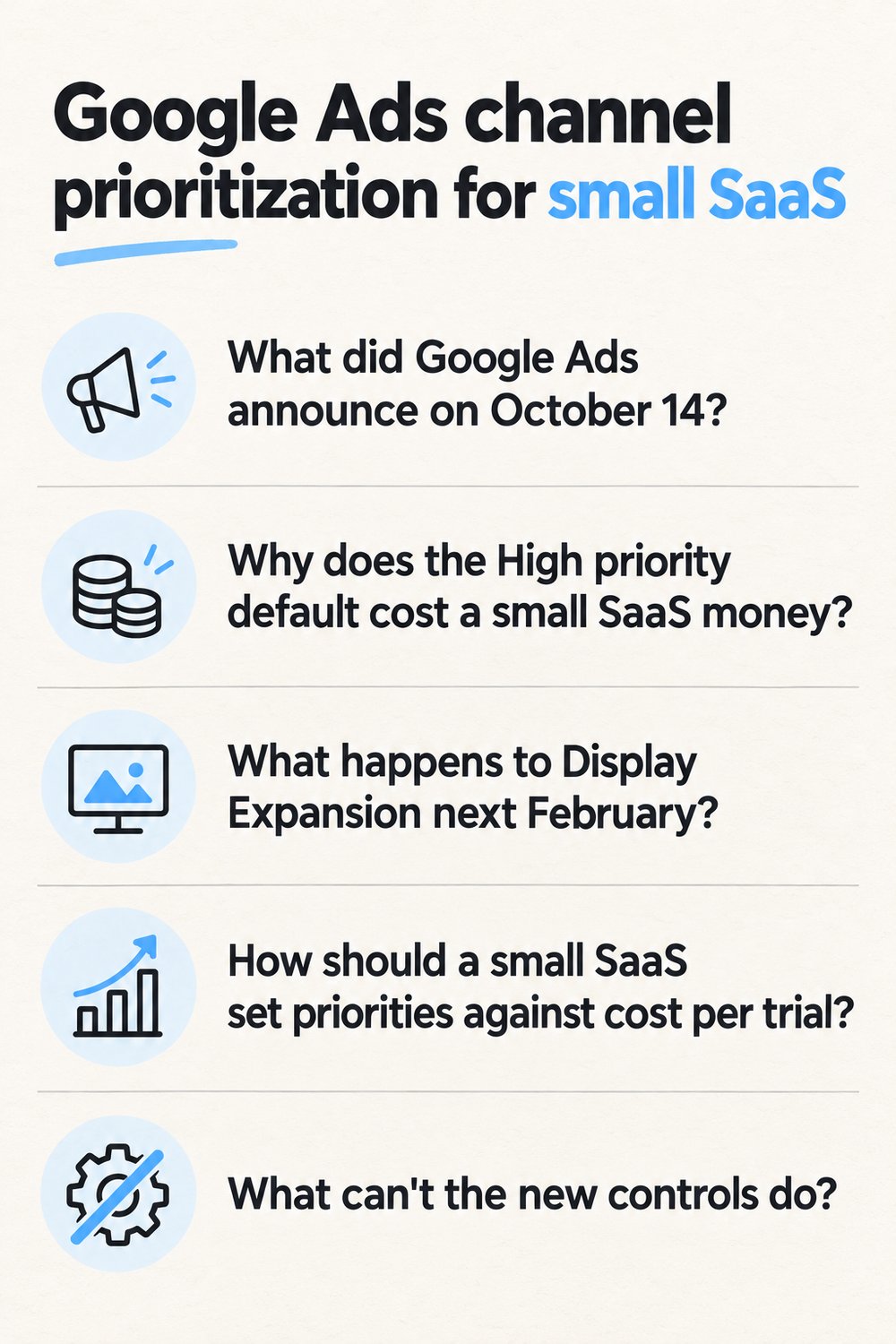
What did Google Ads announce on October 14?
Google Ads added channel prioritization and budget allocation controls to Search, Shopping, Performance Max and Demand Gen, with the rollout running over the next months. Performance Max is a Google Ads campaign type that runs ads across Google's channels from one campaign. Tal Akabas, Director of Product Management at Google Ads, announced the change on Google's blog. The progressive rollout began October 15.
Channel prioritization is a Google Ads setting that marks each channel High or Low priority. High priority channels get funded first, within your Target CPA or Target ROAS, and Low priority channels split whatever is left. Target CPA is a bidding goal that tells Google what you want to pay per conversion. Target ROAS does the same for return on ad spend.
Budget allocation is a cap that holds a Low priority channel to a percentage of the campaign's average daily budget. In Google's example, a 5% allocation on a $1,000 average daily budget means Google AI aims to keep that channel's spend at or below $50 per day. Set it to 0% and, per Google's help page, "Google won't spend on that channel."
 AI-generated image
Why does the High priority default cost a small SaaS money?
Because every channel starts at High, nothing tells Google which channel earns your trials. Google's help page says it flatly, "By default, all channels are set to High priority." A large account can shrug off a few wasted placements. A small SaaS on a modest daily budget feels every dollar that goes to a channel nobody signs up from.
Cost per trial is a metric that divides ad spend by the number of trials it produced. Clicks and impressions from a cheap channel can look healthy while that number climbs. For an app, use cost per install. Same math.
Google isn't the only platform that ships defaults and leaves the judging to you. We had the same conversation about Meta's AI business assistant and your ads agency.
What happens to Display Expansion next February?
Starting next February, Search campaigns with Display Expansion enabled move to the new controls automatically. Display Expansion is a Search campaign setting that lets your Search budget also show ads on the Google Display Network. The old spend allocation setup for those campaigns goes away.
Google's post says that keeping today's configuration means setting the Google Display Network to Low priority with a 50% budget allocation. A cap at half the daily budget is generous for a team counting trials. Wait, and Google makes the move for you.
How should a small SaaS set priorities against cost per trial?
Rank each channel by cost per trial, keep the ones at or under your target at High priority, and mark the rest Low with a cap. Here's the order we'd run it in.
- Pull spend and trials per channel from a stretch long enough to give you real trial counts.
- Divide spend by trials for each channel.
- Keep anything at or under your target cost per trial at High priority.
- Mark the rest Low, which Google describes as an option "for channels you value less instead of opting out".
- Give each Low channel a budget allocation. A small percentage keeps a test alive, and 0% shuts the channel off.
- Recheck once the new split has produced fresh trials.
Search tends to stay High for a SaaS, since someone typing your category is already close to a trial. Display can still earn its place. If it lands trials at or under target, leave it High.
What can't the new controls do?
They can't guarantee a cap, and some campaign and account types can't use every control. Allocation "works on a best-effort basis", and Google adds that "this isn't a guarantee". So check what each channel actually spent.
Budget allocation works in Search, Shopping and Performance Max. Demand Gen gets channel prioritization only. In Performance Max and Demand Gen, Google treats Search, YouTube, Maps, Gmail and Discover as one group called "Google channels", so you prioritize them together.
Agencies that work from a manager account get a flat no from Google. "You can't set channel prioritization from a manager account."
| Control | What Google's pages say |
|---|---|
| Default priority | All channels start at High priority |
| Budget allocation | A percentage of the campaign's average daily budget, best effort |
| 0% allocation | Google won't spend on that channel |
| Where caps work | Search, Shopping and Performance Max; Demand Gen gets priority only |
| Manager accounts | Channel prioritization can't be set there |
| Display Expansion | Search campaigns migrate automatically starting next February |
Should an agency, an ads tool or AI agents make this change?
AI agents working inside your own ad account are the best fit for a small SaaS, because the job is a few settings judged against cost per trial. Here's how the options compare on this change.
- An agency can make the change if someone works in your account directly, since prioritization can't be set from a manager account. You also pay a retainer for what is a settings change.
- An ads tool can flag the waste and draft a recommendation. Someone still has to make the change.
- Doing it yourself works if you have clean trial counts per channel and remember to recheck.
- AI agents make the change in your own account and show it on the ads board.
Meta raises the same choice, and we covered it in Meta ads management without a retainer.
What do Viewfy's agents do in your Google Ads account?
They read the market, set channel priorities and caps against cost per trial, and log every change on the ads board in your own account. Nothing runs in an account you don't own. Here's the order on a new account.
- Before the first ad, the agents read the paid ads every rival is running.
- Campaigns run in your own ad account, and each priority or cap change shows on the ads board.
- New creatives arrive every week.
- Budget moves toward the channels that earn trials.
- One morning message at 7am says what shipped.
Paid Search is half of the search picture. The agents also publish a post a day on your domain, and we explained how that holds up in daily blog automation after Google's spam update. And Search Console now works as a free AI visibility tracker, so you can see what organic search already sends before buying more clicks.
Viewfy Pro runs Meta and Google ads with new creatives every week, alongside the daily post, SEO fixes and links, and starts with a call.
For Search campaigns with Display Expansion, the migration lands next February either way. Set the split yourself before then, or let the agents at viewfy.ai make it in your own ad account, with the change on the ads board and in the 7am message. Viewfy gets you users while you ship.
Frequently asked questions
- Does marking Display Low priority stop all Display spend?
- No. Low priority is Google's option "for channels you value less instead of opting out", so Display still gets whatever budget is left after High priority channels are funded, up to its cap. To stop spend on a channel, set its budget allocation to 0%. Google says it won't spend on a channel at that setting.
- Do the new channel controls apply to shared budgets?
- Yes. Google's announcement says the controls are set at account and campaign level and apply to shared budgets. If several Search campaigns draw from one shared budget, check their priorities before assuming Display is capped. The default for every channel is High priority until someone changes it.
- Should I just wait for the February migration?
- Waiting hands the choice to Google. Starting next February, Search campaigns with Display Expansion enabled migrate to channel prioritization and budget allocation automatically. Google's post says matching today's setup means Display at Low priority with a 50% allocation. A team judged on cost per trial may want a tighter cap, set against its own numbers.
- Will Viewfy change my Google Ads settings without telling me?
- No. The agents work in your own ad account, and every change, from channel priorities to budget caps, shows on the ads board. A single morning message at 7am tells you what shipped. Before the first ad runs, the agents read the paid ads every rival is running, so each change starts from the market.
Keep reading
AI ad creative generator vs agents that run the ads
An AI ad creative generator hands you files. Viewfy reads rivals' running ads, makes fresh creatives weekly and runs them in your own Meta and Google account.
· 5 min read
Google Ads management for SaaS, run by AI agents
Google Ads management for SaaS by Viewfy's agents: rivals' ads read first, new creatives weekly, budget moved to what earns, in your own Google Ads account.
· 5 min read
Marketing for solo founders without an agency retainer
Marketing for solo founders without a retainer: Viewfy's agents run ads, a daily blog, SEO fixes and pitches. Start with 100 free drafts.
· 6 min read
Marketing agency vs AI tools for solo founders
Marketing agency vs AI tools for a solo founder: what a $2K to $10K retainer buys, what tools leave to you, and how AI agents ship the work in your accounts.
· 6 min read